Text to Video
Write a prompt, choose a model, choose resolution up to 1080p and download your clips.
Written By Arina
Last updated About 11 hours ago
What the tool does
Text to Video creates videos directly from text — no reference image needed. You control the subject, appearance, setting, lighting, camera angles, composition, and style. Select a model, write a prompt, and choose the aspect ratio and duration. Results are commercially licensed and can be sent downstream to any ZenCreator tool. Fully supports NSFW.
🎬 Results
A look at what Text to Video can produce from a prompt alone.
Don't want to set everything up yourself?
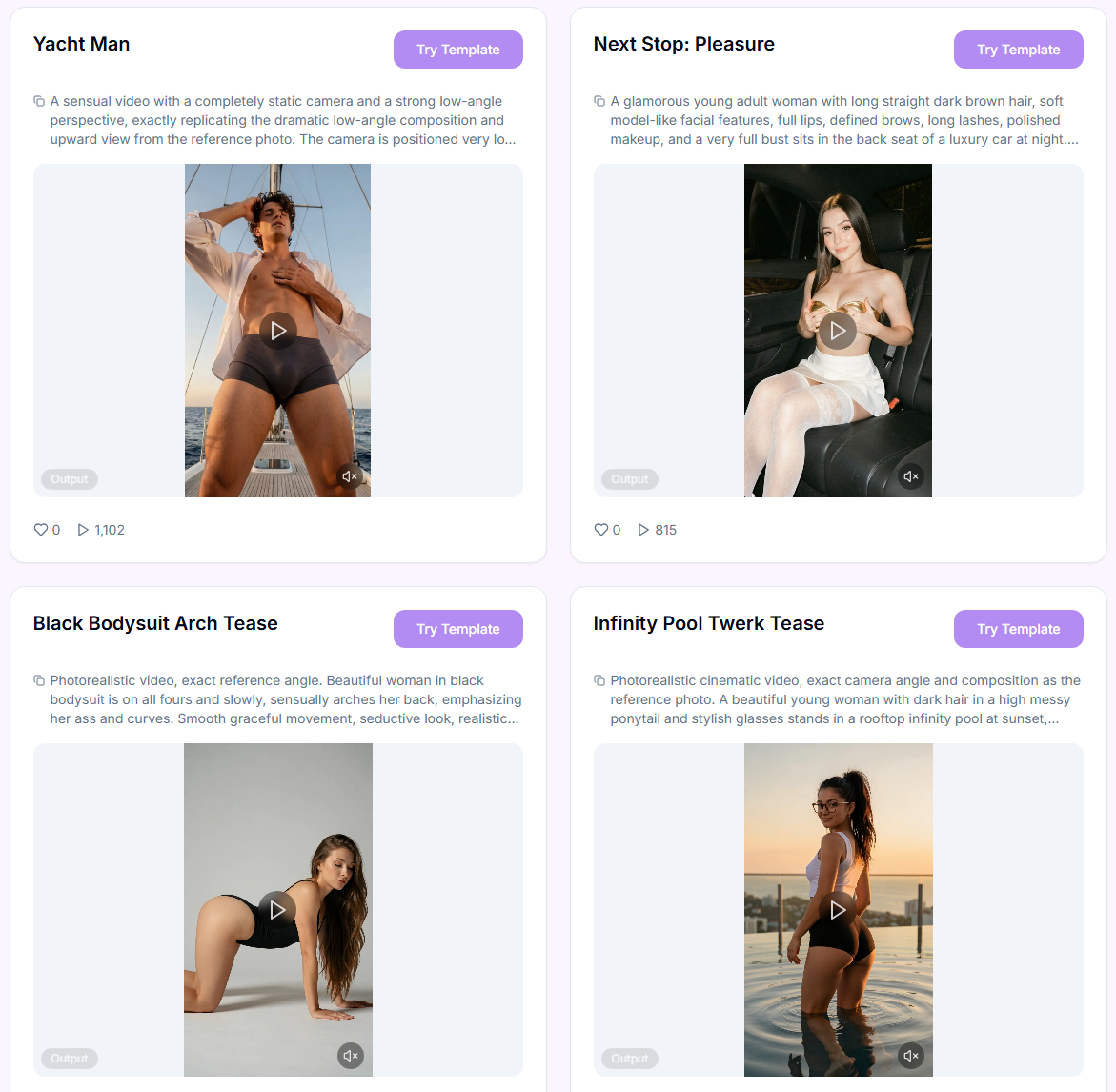
Skip the setup — pick a ready-made style from the Templates library and just add your prompt.
Your step-by-step guide
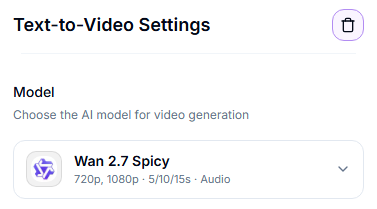
Step 1. Model — choose which model generates your video from the drop-down list. Tap one below to see what it's best at.
Wan 3.0 Spicy
Wan 3.0 Spicy
Duration: 5, 10, 15, 20, 25, or 30s
Resolution: 480p / 720p / 1080p
Best for: long, multi-shot scenes up to 30 seconds in a single generation, with optional native audio written by the model. Trained on a massive labeled dataset of NSFW content.
Strengths: can write its own soundtrack via the Generate Audio toggle, follows long screenplay-style prompts broken into timestamped shots, stronger multi-subject consistency and camera control than earlier Wan models.
Trade-offs: best results need a prompt matched to the duration - short prompts on long durations hand plot and shot choices to the model. No negative prompt; unwanted elements must be described explicitly.
Content notes: Filters: Minimal
Wan 3.0 Prime Spicy
Wan 3.0 Prime Spicy
Duration: 5, 10, 15, 20, 25, or 30s
Resolution: 480p / 720p / 1080p
Best for: the same long, multi-shot scenes up to 30 seconds as Wan 3.0 Spicy, with optional native audio written by the model, but returned about 40% faster.
Strengths: identical output quality and feature set to Wan 3.0 Spicy (Generate Audio toggle, screenplay-style prompts, multi-subject consistency); the difference is turnaround time, which matters when testing ideas or iterating on a shot.
Trade-offs: costs more per second than Wan 3.0 Spicy for the same result; same prompt-length sensitivity and lack of negative prompt.
Content notes: Filters: Minimal
Wan 2.7 Spicy
Wan 2.7 Spicy
Duration: 5s, 10s, or 15s
Resolution: up to 1080p
Best for: videos with synchronized audio generation. Trained on a massive labeled dataset of NSFW content.
Strengths: generates audio along with video, improved temporal consistency, better prompt understanding, enhanced motion quality.
Trade-offs: slower than faster models; best results require clear, precise prompts.
Content notes: Filters: Minimal
Seedance 2.0 Uncensored
Seedance 2.0 Uncensored
Duration: 5s, 6s, 8s, 10s, 12s, 15s
Resolution: 480p / 720p
Best for: generating videos from scratch with synchronized audio — from short "vibe" clips to cinematic storyboards with multiple shots. Trained on a massive, labeled dataset of NSFW content.
Strengths: generates audio along with video, strict adherence to the prompt formula (Subject → Action → Environment → Camera → Lighting → Style → Constraints), consistent performance in multi-shot scenarios with timecodes, support for a wide range of aspect ratios (16:9, 9:16, 1:1, 4:3, 3:4, 21:9, or auto).
Trade-offs: texture and facial detail don't appear automatically — use specific terms like "ultra-sharp detail" or "crisp texture." Break long, contradictory prompts into several separate ones. Slower than Seedance 2.0 Fast Spicy.
Content notes: Filters: Minimal
Seedance 2.0 Fast Spicy
Seedance 2.0 Fast Spicy
Duration: 5s, 6s, 8s, 10s, 12s, 15s
Resolution: 480p / 720p
Best for: quickly generating videos from text descriptions with synchronized audio — from simple "vibe" clips to multi-shot scripts with timecodes — when speed is key. Trained on a massive, labeled dataset of NSFW content.
Strengths: generates audio along with video, full adherence to the prompt formula (Subject → Action → Environment → Camera → Lighting → Style → Constraints), support for a wide range of aspect ratios, stable performance with multi-shot scenarios and timecodes. Faster and cheaper than Seedance 2.0 Uncensored.
Trade-offs: for detailed textures and facial features at high resolutions, include specific terms such as "ultra-sharp detail" and "crisp texture." Break up long, contradictory prompts. Quality is lower than Seedance 2.0 Uncensored.
Content notes: Filters: Minimal
Seedance 2.5 Uncensored
Seedance 2.5 Uncensored
Duration: 5, 10, 15, 20, or 30s
Resolution: 480p / 720p / 1080p
Best for: long, multi-shot scenes up to 30 seconds in one generation — a complete story instead of one stretched moment, generated entirely from your prompt. Trained on a massive labeled dataset of NSFW content.
Strengths: more natural, less "AI-looking" footage — improved camera transitions, subject stability, lighting, skin, and eye detail; timestamped prompts ("0–5s: …, 6–10s: …") control what happens and when; optional native audio via the Generate Audio toggle.
Trade-offs: the priciest Seedance model — 1080p costs about 3.4× the 720p rate, so test at 480p/720p first. No negative prompt. The video may come without audio even with Generate Audio on.
Content notes: Filters: Minimal
Wan 2.2 Spicy
Wan 2.2 Spicy
Duration: 5s or 8s
Resolution: up to 720p
Best for: the cheapest option — no audio generation, but trained on a massive labeled dataset of NSFW content.
Strengths: punchy detail, strong prompt adherence, good at dramatic camera moves and moody grading. Lowest cost per generation.
Trade-offs: less conservative filtering means you should keep prompts precise; anatomy and small details can drift if you push extremes.
Content notes: Filters: Minimal
MiniMax H3 Max
MiniMax H3 Max
Duration: 5, 6, 8, 10, 12, or 15s
Resolution: 480p / 720p / 1080p
Best for: generating clips directly from a text description, with native audio built in — no reference image required.
Strengths: consistent motion and framing straight from a written prompt; every clip gets a native stereo soundtrack automatically; supports 16:9, 9:16, 4:3, 3:4, 1:1, 21:9, or Adaptive aspect ratios.
Trade-offs: no Start/End Frame and no Reference Mode here — for those, use Image to Video instead. No negative prompt; describe exclusions at the end of the main prompt. Audio can't be disabled. Long prompts are compressed internally, so concise, precise wording tends to work best.
Content notes: Filters: On — SFW only, does not support NSFW content.
MiniMax H3 Max Turbo
MiniMax H3 Max Turbo
Duration: 5, 6, 8, 10, 12, or 15s
Resolution: 480p / 720p / 1080p
Best for: quick, lower-cost text-to-video clips when the full-price model isn't needed.
Strengths: roughly half the price of MiniMax H3 Max and faster; same duration and resolution options; native audio included automatically.
Trade-offs: same limits as MiniMax H3 Max here — no Start/End Frame, no Reference Mode, no negative prompt, audio can't be disabled.
Content notes: Filters: On — SFW only, does not support NSFW content.
Quick pick:
Need the longest single-pass clip (up to 30s) with optional native audio and multi-shot scripting → Wan 3.0 Spicy.
Need that same result faster, worth paying more per second → Wan 3.0 Prime Spicy.
Need a full 30-second story in one generation, up to 1080p, with native audio → Seedance 2.5 Uncensored.
Need high-detail NSFW with dramatic camera moves and moody cinematic grading → Wan 2.2 Spicy.
Need the best motion quality and temporal consistency → Wan 2.7 Spicy.
Need precise, structured multi-shot storyboards with timecodes and wide aspect ratio support → Seedance 2.0 Uncensored (or Fast Spicy for quicker, cheaper drafts).
Need synchronized audio generated with your video → Wan 2.7 Spicy, Seedance 2.0 Uncensored, or Seedance 2.0 Fast Spicy — Wan 2.2 Spicy doesn't generate audio, but is the cheapest option.
Need SFW clips generated purely from a text prompt, with native audio → MiniMax H3 Max (or MiniMax H3 Max Turbo for a faster, cheaper option).
Step 2. Prompt — describe the video you want to generate. Keep it focused: subject + motion + scene. The limit depends on the model: 800 characters for Wan 2.2, 20,000 for Wan 3.0 (including Prime) and Seedance 2.5, and 5,000 for the other models; the counter under the field shows the limit for the selected model. Not sure how to phrase it? Click the » AI Prompt Assistant button below the field to turn your idea into a properly formatted prompt.
Step 3. Aspect Ratio — select the desired aspect ratio (for example, 1:1, 3:4, 9:16). This determines the width-to-height ratio of the output.
Step 4. Resolution — select the desired resolution.
Step 5. Duration — select the desired video duration: 5–8s on Wan 2.2 Spicy, 5–15s on Wan 2.7 Spicy and the Seedance 2.0 models, or 5–30s on Wan 3.0 Spicy and Seedance 2.5 Uncensored (exact options vary slightly by model).
Step 6. Start Generation — starts the run. Review the results, then download them or send them downstream.
Actioning results
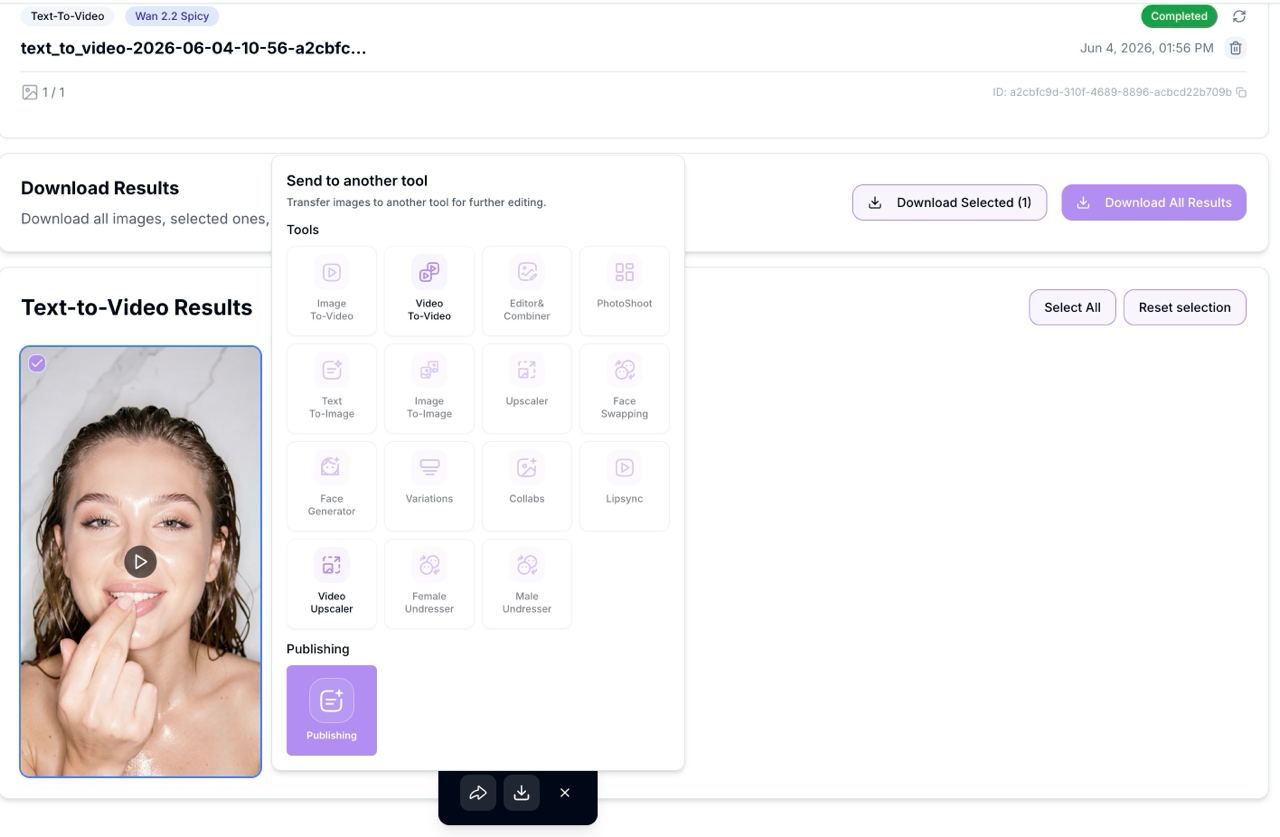
Use the checkboxes on thumbnails to select/deselect.
Download selected.
Send to another tool to continue the pipeline (Video Upscaler, Video to Video).
Retry Failed appears automatically if any frames mis-rendered.
Prompting tips for video
Focus on motion and camera: "gentle parallax, slow dolly-in, subtle hair flutter, cloth ripple, soft depth-of-field."
Keep it one idea per clip. If you want multiple motions, render separate versions (it's faster and cleaner).
For identity consistency, describe key facial/hair traits in the prompt and choose the same model/duration across the batch.
Best practices & pro notes
Start with 5-second clips — it's faster and cheaper to finalize the prompt, style, lighting, and movement that way. Only after the visuals are approved should you move to 8-second (Wan 2.2), 10–15-second (Wan 2.7), or up to 30-second (Wan 3.0 Spicy, Seedance 2.5 Uncensored) clips.
Use prompts that are as precise and structured as possible. With minimal filters, vague wording doesn't handle complex poses and anatomy well.
Without a reference image, describe the character's appearance at the start of the prompt: age, body type, facial features, hairstyle, clothing, lighting, and mood. The more detailed the description, the more consistent and high-quality the result.
Known limitations (and how to mitigate)
You're working with AI — occasional mistakes, artifacts, or unexpected results are normal, and a 100% correct result isn't guaranteed.
Anatomy and fine details can drift — use simple poses and clear prompts.
Results can vary — generate several versions and pick the best.
If something didn't work as expected, contact us in the support chat in the app, or email [email protected].
FAQ
Which model is better — Wan 2.2, Wan 2.7, or Wan 3.0?
Which model is better — Wan 2.2, Wan 2.7, or Wan 3.0?
Wan 2.2 is the cheapest and fastest, with no audio. Wan 2.7 is the best all-round choice for most short clips (5–15s), with better motion quality and audio that is always generated together with the video (no on/off toggle). Wan 3.0 Spicy is the pick for long or multi-shot scenes up to 30 seconds.
Can these models be used for NSFW content?
Can these models be used for NSFW content?
Yes — the Wan and Seedance models above run with Minimal Safety Filters and are well-suited for NSFW content. Wan 2.7 generally produces higher-quality results in complex scenes. MiniMax H3 Max and MiniMax H3 Max Turbo run with Filters: On and are SFW only.
Why is the quality of Text to Video lower than a reference-based generation?
Why is the quality of Text to Video lower than a reference-based generation?
Without a starting image, the model relies solely on the text description. That's why it's important to describe the character's appearance, lighting, and style in great detail at the beginning of the prompt.
How can I address anatomical issues and artifacts?
How can I address anatomical issues and artifacts?
Use simple poses, avoid excessive camera movement, and generate several versions. Minor flaws are easier to fix in post-production.
Full model courses
Want to go deeper on a specific model's prompting style? Each has its own in-depth course inside ZenCreator:
What's next
Video Upscaler — sharpen and enlarge your result
Video to Video — restyle or continue editing your clip
Was this helpful?
Still need help? Ask the team