Upscaler
Choose between fast/basic, premium/realistic or clarity upscales with options that keep the face 100% unchanged. Supports SFW & NSFW.
Written By Arina
Last updated 33 minutes ago
What the Upscaler does
Upscaler enlarges your image and fixes common defects (softness, minor noise, low micro-detail). You can prioritize speed & price, maximum realism, or face preservation so identity never drifts. Every result can be sent on to Head & Face Swap, Variations, Image to Video, or straight to Publishing.
Modes
Basic — Fast, detailed, may change face
Enlarges, cleans up, and adds detail quickly.
Cheapest option; great for drafts, carousels, and bulk batches.
Face may change slightly (no face tracking).
4MP and 8MP variants available.
Use when: you need speed and don’t care if the face shifts a bit.
Avoid if: identity must remain identical.
Basic Safe Face — Fast, detailed, face unchanged
Same speed class as Basic, but tracks the face and keeps it intact.
4MP and 8MP variants available.
Use when: you want quick upscales and must preserve identity.
Avoid if: you want the very highest realism (see Premium).
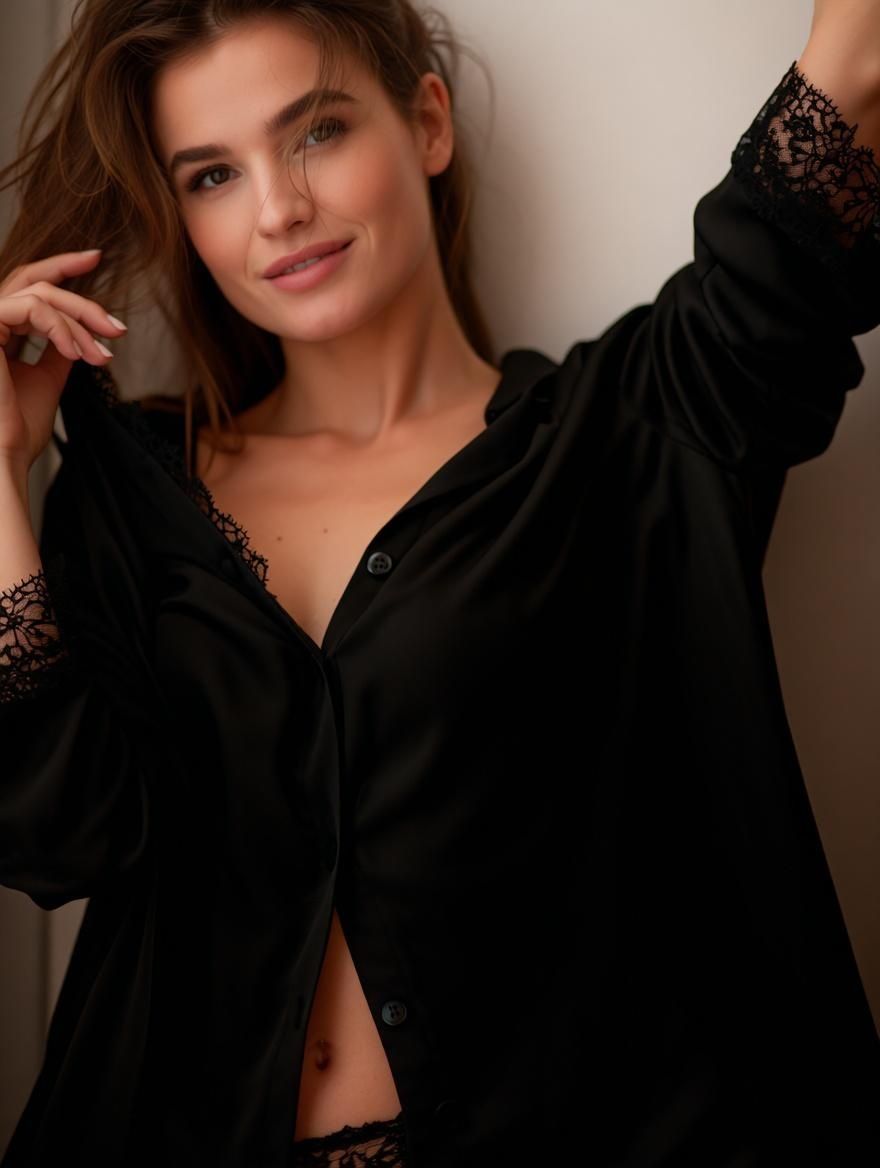
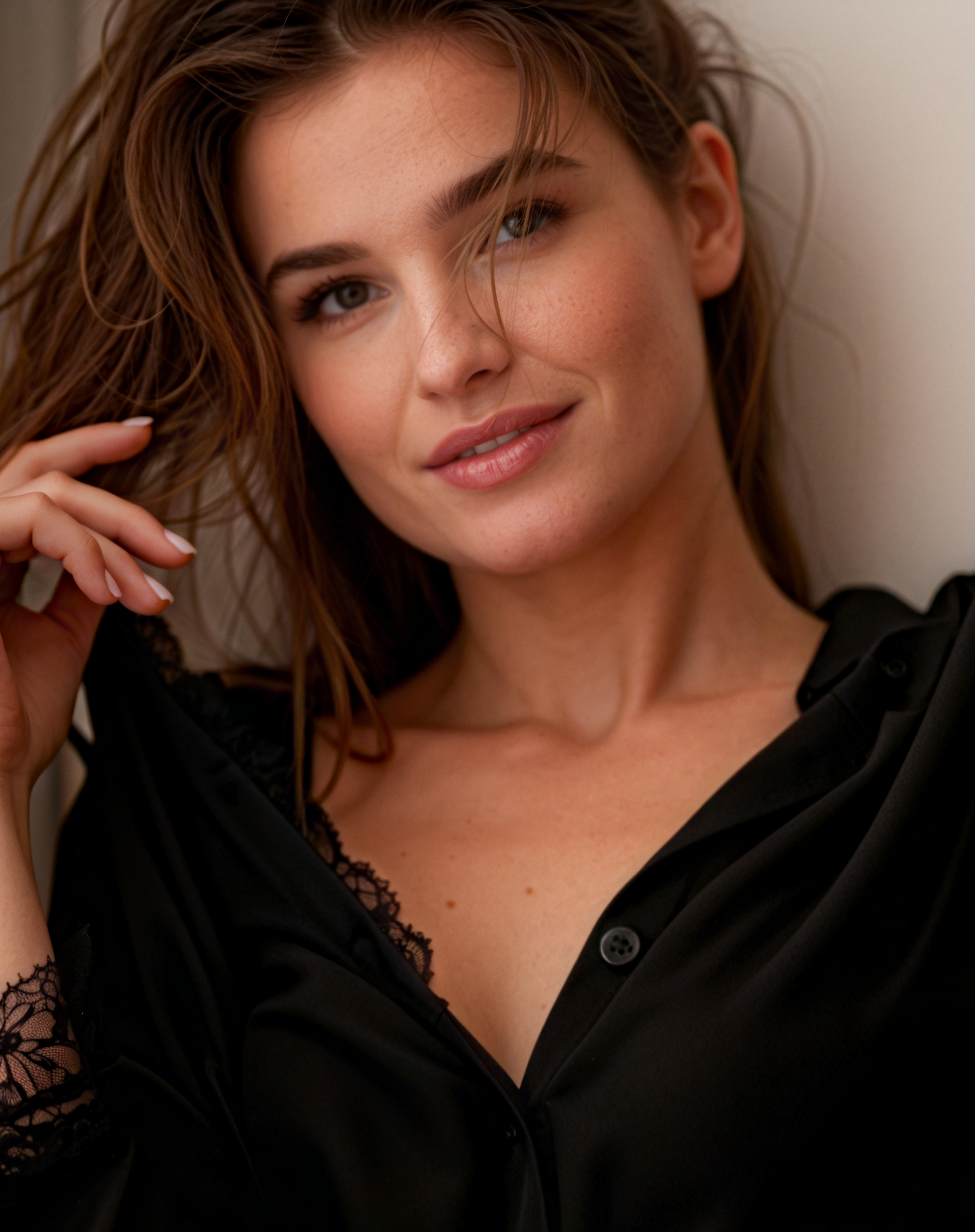
Premium — High detail & realism, may change face
Best overall fidelity: richer skin, fabric, edges, and lighting.
Slower and more expensive than Basic. No face tracking, so the face can change.
4MP and 8MP variants available.
Use when: you want the prettiest possible image, and identity isn’t critical.
Avoid if: the face must be identical → use Premium Safe Face.
before after
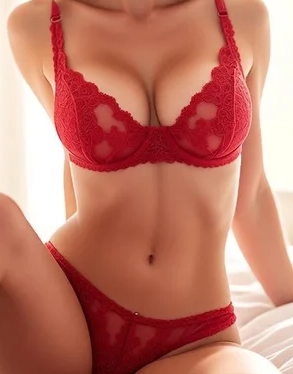
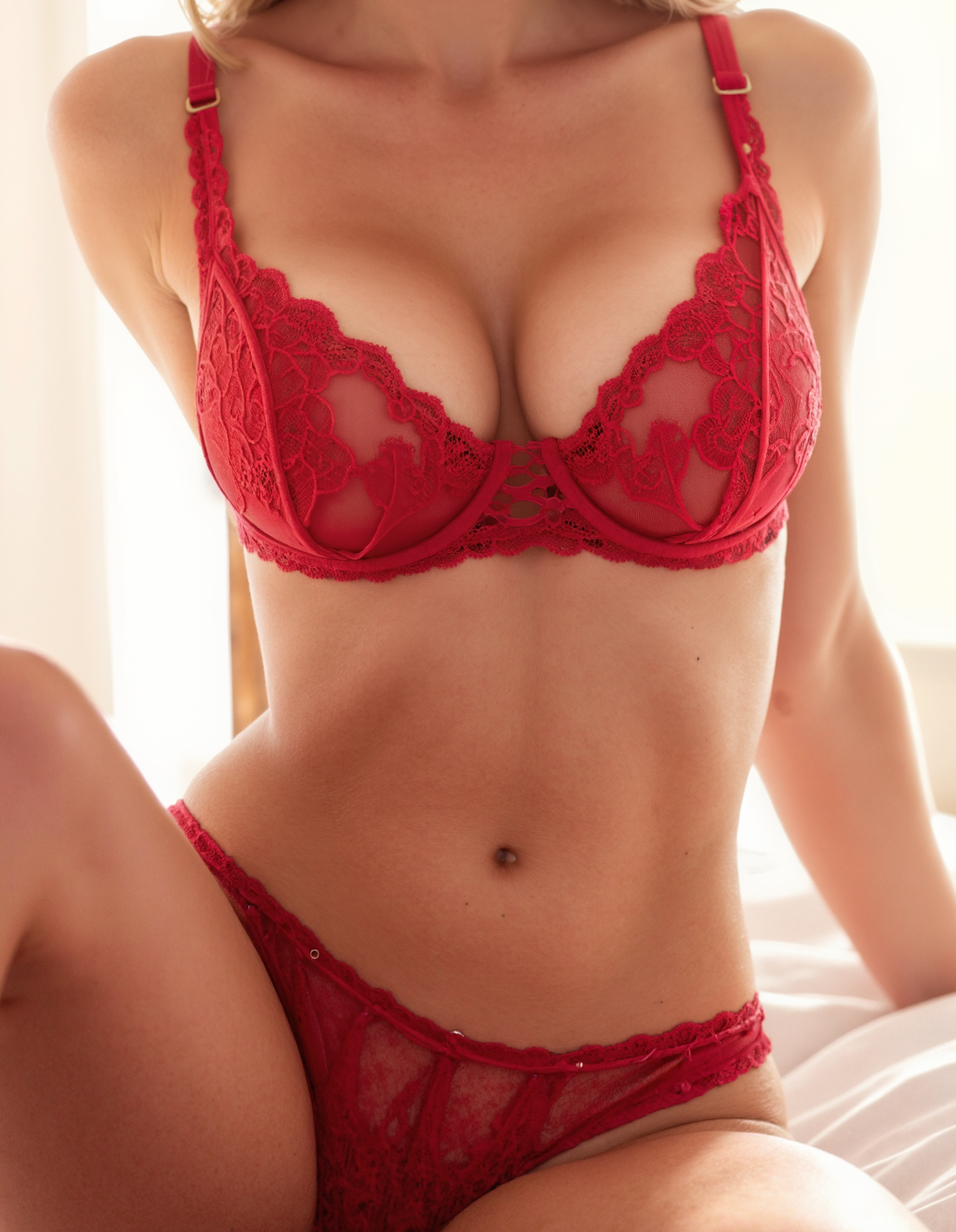
Premium Safe Face — High detail & realism, face unchanged
Premium quality with face preservation.
Slower and pricier than Basic Safe Face.
4MP and 8MP variants available.
Use when: you need top-tier realism and zero face drift.
Avoid if: you only need quick, social-ready results.
Natural Clarity — Clean, natural upscale
Ultra-fast upscale with a clean, natural look.
Enhances clarity without over-sharpening or changing the face.
Supports Creativity Control — higher creativity adds extra detail, texture, and AI refinement.
Fixed 16MP output.
Use when: you need a fast, natural-looking upscale with minimal changes and a clean finish.
Avoid if: you need maximum fidelity or 24–32MP resolution → choose Ultra Clarity.
Ultra Clarity — Maximum fidelity & micro-detail
Premium upscale with the highest reconstruction fidelity.
Deep enhancement of textures, micro-details, lighting, and edges.
Supports Creativity Control — higher creativity allows the model to “imagine” finer details and enrich textures.
Available in 16MP, 24MP, and 32MP outputs.
Use when: you want the most detailed, high-end upscale possible for professional visuals.
Avoid if: you want a subtle, natural look → choose Natural Clarity.
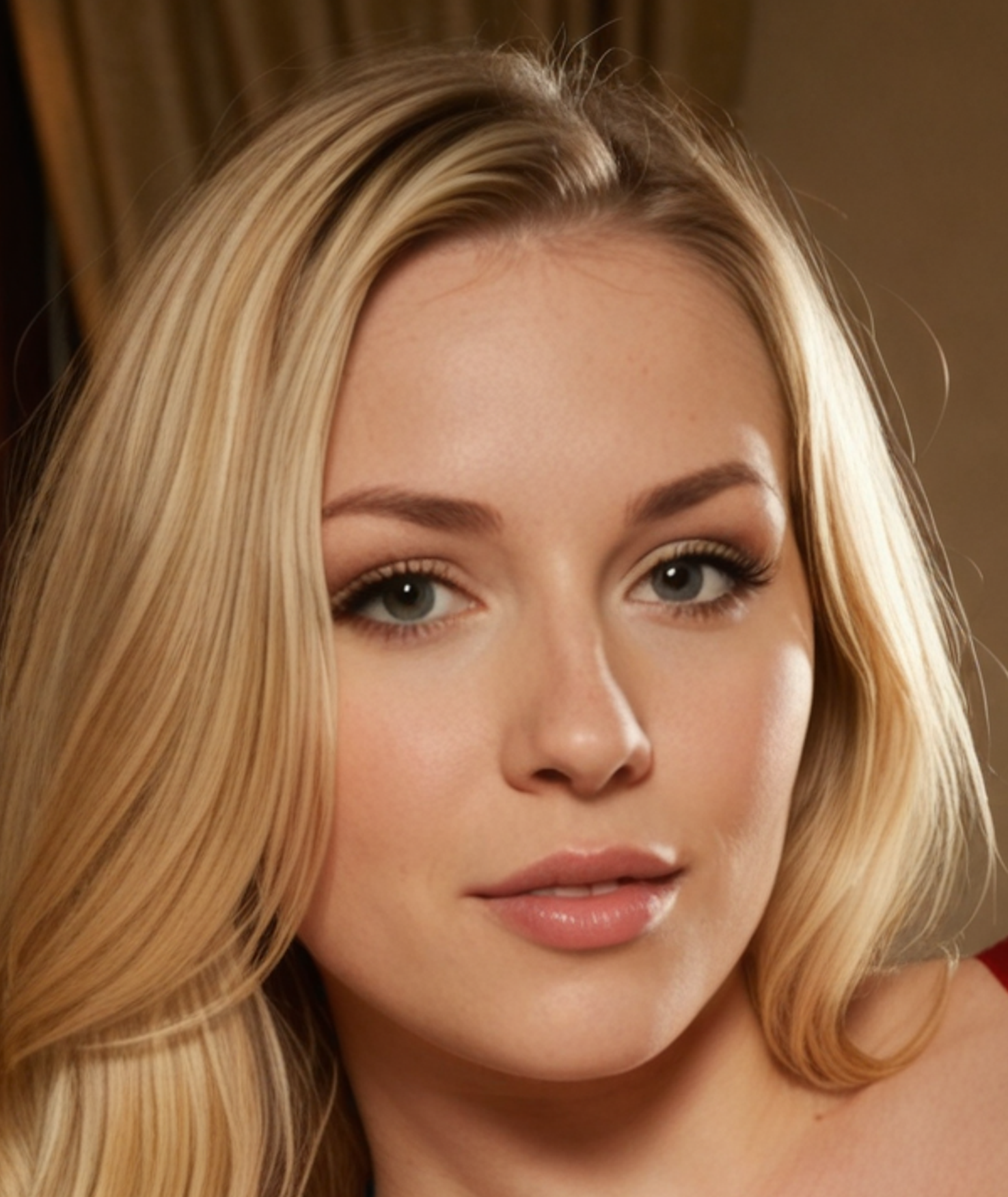
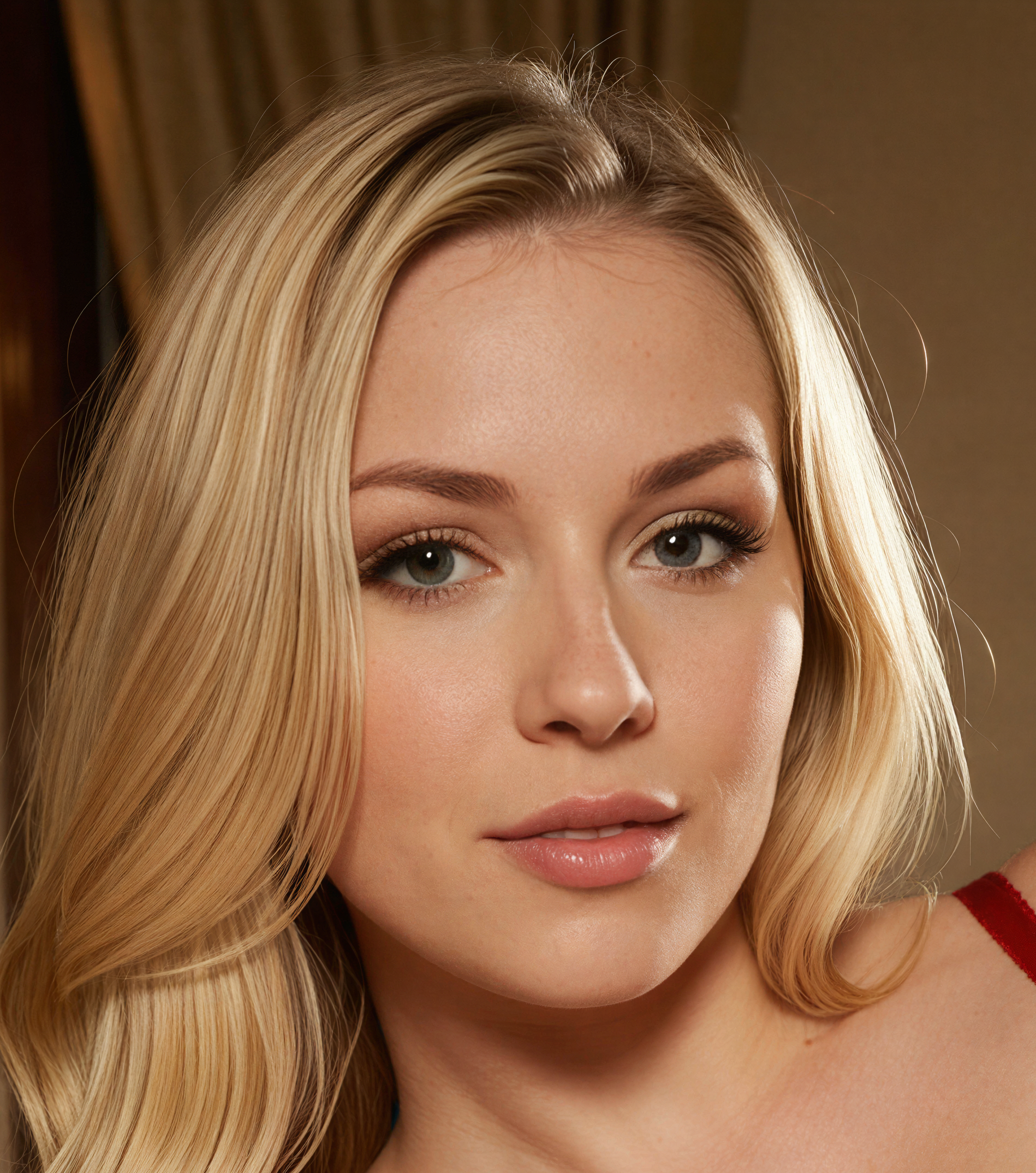
4MP vs 8MP — which output?
4MP / 8MP (Basic & Premium models):
4MP — faster, cheaper, perfect for most social feed posts and quick approval loops.
8MP — slower, larger file, better for cropping, hero images, printing, or thumbnails/covers that must stay crisp.
16MP / 24MP / 32MP (Clarity models):
16MP — fast, clean upscale; great for portraits, stories, UGC, and most fashion/lifestyle shots. Strong balance of speed and quality.
24MP — higher micro-detail in skin, hair, and fabric; better for close-ups, crops, and zoomed-in compositions.
32MP — maximum sharpness and fidelity.
Recommended choices by scenario
Lock the same face, publish fast: Basic Safe Face (4MP or 8MP)
Top quality and identity preserved: Premium Safe Face (8MP)
Best look when identity isn’t critical: Premium (8MP)
Maximum fidelity and micro-detail: Ultra Clarity (16MP / 24MP / 32MP)
Best results for SDXL/Flux-generated images: Basic or Premium models
Best results for photos with clean, natural skin texture: Natural Clarity or Ultra Clarity
Pro tips
Identity matters? Always choose a Safe Face mode or the combined Upscale + Head & Face Swap flow.
Need the fastest results? Use Basic models or Natural Clarity.
Want the best realism while keeping identity stable? Choose Premium Safe Face (8MP).
For maximum fidelity and micro-detail: select Ultra Clarity 16/24/32MP depending on your resolution needs.
Batch wisely: Upscale selects first; don’t upscale everything — save credits for winners.
FAQ
Will upscaling change the face?
Basic and Premium Realism can change faces.
Basic Safe Face and Premium Safe Face keep the face unchanged.
Ultra Clarity and Natural Clarity preserve the face when Creativity is set to the minimum.
Which mode is the best overall?
There’s no single “best,” but for most pro workflows: Premium Safe Face (8MP) for finals, Basic Safe Face (4MP) for fast previews, and Natural Clarity when portraits need more depth, texture, and realism without losing identity.
Can I run it on results from any tool?
Yes — send images from Face Generation, Text to Image, Image to Image, Photoshoot, Variations, or uploads.
What if I want bigger images but 0 identity risk?
Use Basic Safe Face or Premium Safe Face.
Need help picking a mode for your shoot? Ping us via the chat bubble or email [email protected].