Changelog

Follow new updates and improvements to Zencreator.

🍌 Nano Banana 2.1 Is Here: Sharper Text, Steadier Characters, Up to 4K
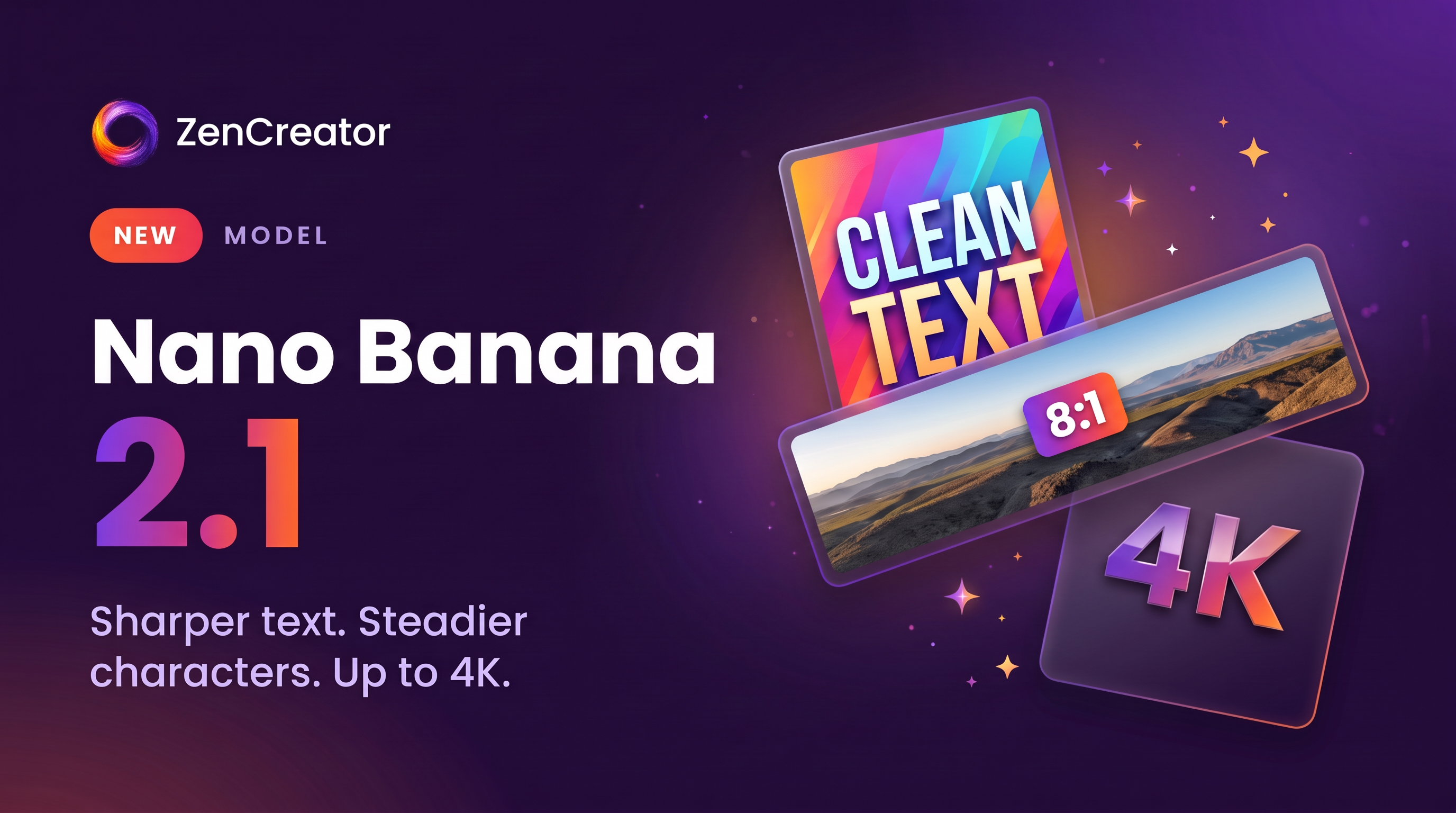
Google’s newest image model is now live in Text to Image and Image Editor. Nano Banana 2.1 follows your prompt closely, keeps characters looking like themselves, and writes clean, readable text right inside the image, in up to 4K.

Why you’ll love it:

  • Sharper prompt following: precise prompt following means the result matches your idea with fewer rerolls

  • Clean text in the image: posters, infographics, signs, and captions come out clean and legible

  • Consistent characters: faces and details hold up across generations and edits

  • Up to 14 references in Image Editor: your first image is the base, and up to 13 more help you build composites and precise edits

  • 4K and ultra-wide formats: the only model with 4K and the long 4:1, 1:4, 8:1 and 1:8 formats, made for banners and panoramas

  • Quality mode and Google Search: let the model think longer for a more accurate result, or have it check Google for current facts, places, and logos

Pro tip: dial in your idea at 1K first, then render the final version in 2K or 4K. Quality mode adds 1 credit, and Google Search is free.

Nano Banana 2.1 is an SFW model, so it won’t generate explicit content.

πŸ‘‰ Try it: Text to Image Β· Image Editor

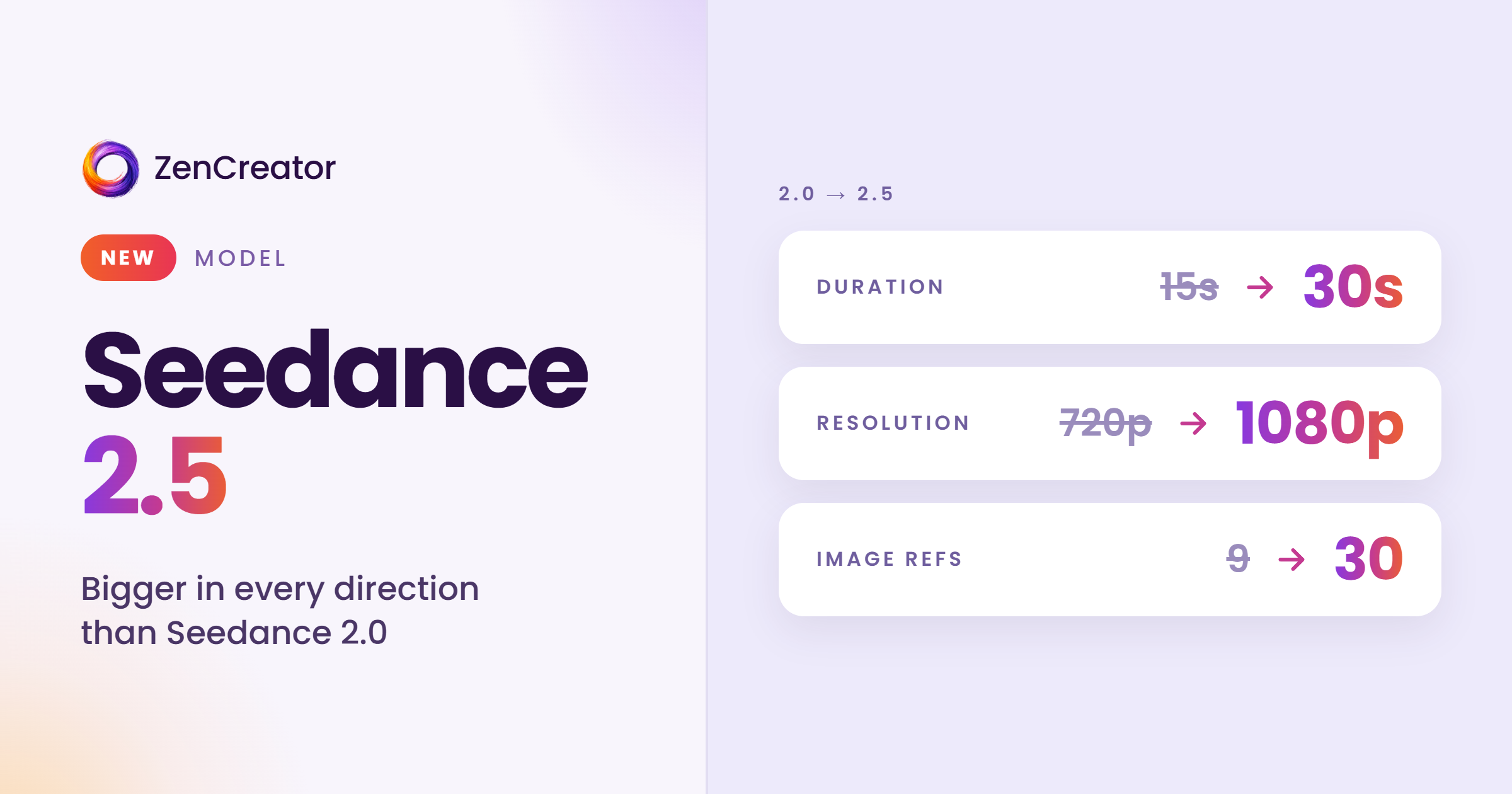
🎬 Seedance 2.5 Is Here β€” 30 Seconds, One Complete Story

One prompt, one generation, a full story. Seedance 2.5 turns your idea into up to 30 seconds of connected shots in up to 1080p, with setup, action, and resolution all in one clip. It's live now in Text to Video, Image to Video, and Video to Video, with full NSFW support.

Why you'll love it:

  • Footage that feels filmed, not generated β€” smoother camera transitions, steadier subjects, and more natural motion, lighting, skin, and eyes

  • Characters that hold across cuts β€” faces, locations, and visual style stay consistent from shot to shot

  • You decide when things happen β€” write "0–5s: close-up, 5–12s: camera follows…" and every beat lands on time. That means fewer rerolls and a faster path to the finished video

  • Up to 50 references in one generation β€” combine 30 images, 10 videos, and 10 audio clips to lock in your characters, locations, motion, and sound

  • Sound that moves with the picture β€” switch on Generate Audio for a native soundtrack

πŸ’‘Pro tip: lock in your scene at 480p or 720p first, then render the final cut in 1080p. You'll get the story right faster and save credits on test runs.

πŸ‘‰ Try it: Text to Video Β· Image to Video Β· Video to Video

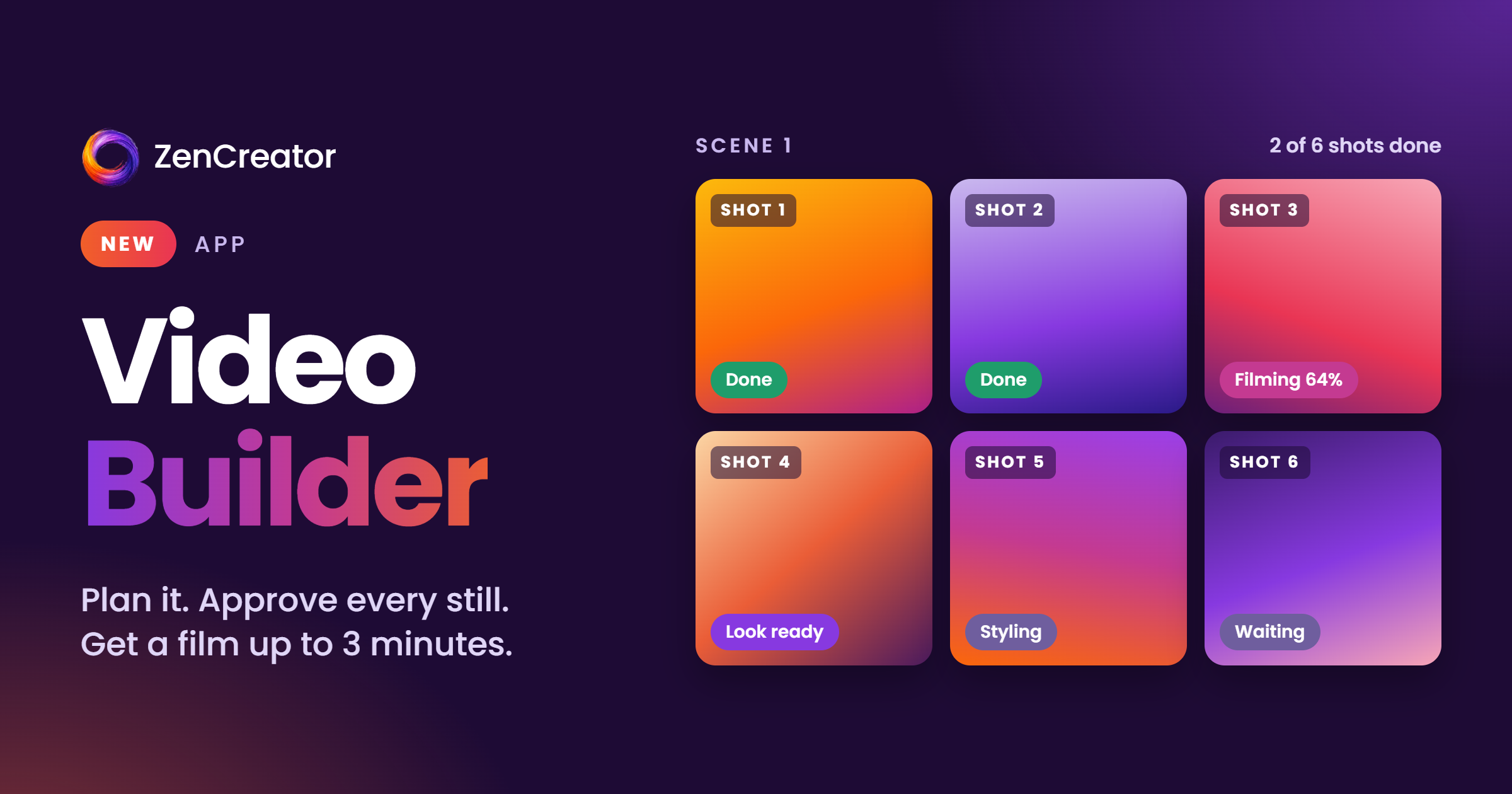
🎞️ Meet Video Builder β€” From One Idea to a Finished Film

Your next video doesn't have to be a single clip. Video Builder turns one idea into a complete multi-shot film up to 3 minutes long, with scenes, camera changes, title cards, and your character carrying the story from the first shot to the last.

Why you'll love it:

  • Full stories, not fragments β€” a character's day, a trip, a date night, told scene by scene in one finished video

  • A character your audience recognizes β€” the same face in every shot, so your videos feel like a series, not random clips

  • NSFW films, too β€” choose NSFW-capable video models for any shot and take your story as far as you want

  • Ready-to-post videos, no editing skills needed β€” shots are joined, styled with a film look, and framed with title cards for you

  • More content in less time β€” go from one idea to a finished film without generating and stitching clips by hand

πŸ’‘ You see the full price before anything is generated. Approve the plan and the stills first, and Video Builder films and assembles the rest.

πŸ‘‰ Try it: Video Builder β€” find it in the Apps section

Earlier updates